
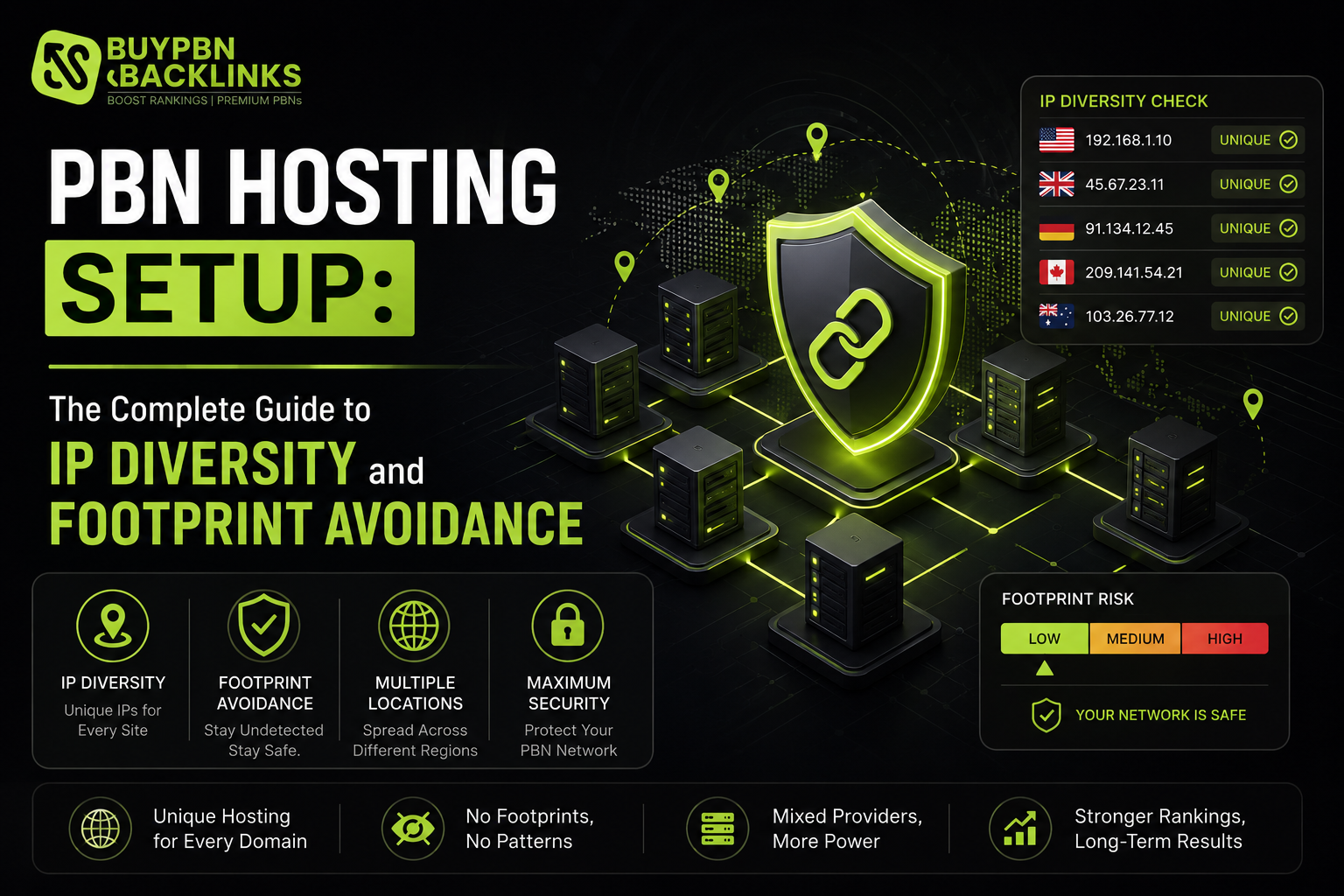
Hosting is where most amateur PBN builders make their biggest and most costly mistake. It is tempting to put all network sites on one convenient hosting account — cheaper, easier to manage, and administratively tidy. It is also the single fastest route to having your entire network identified and devalued simultaneously. PBN hosting setup done correctly is not about finding the cheapest host — it is about building genuine infrastructure diversity that makes each site appear independently operated to every level of technical analysis. This guide covers IP diversity, registrar spread, nameserver configuration, recommended providers, WordPress setup, and the complete footprint checklist that separates networks that hold up from those that collapse.
Why Hosting Setup Determines Network Safety
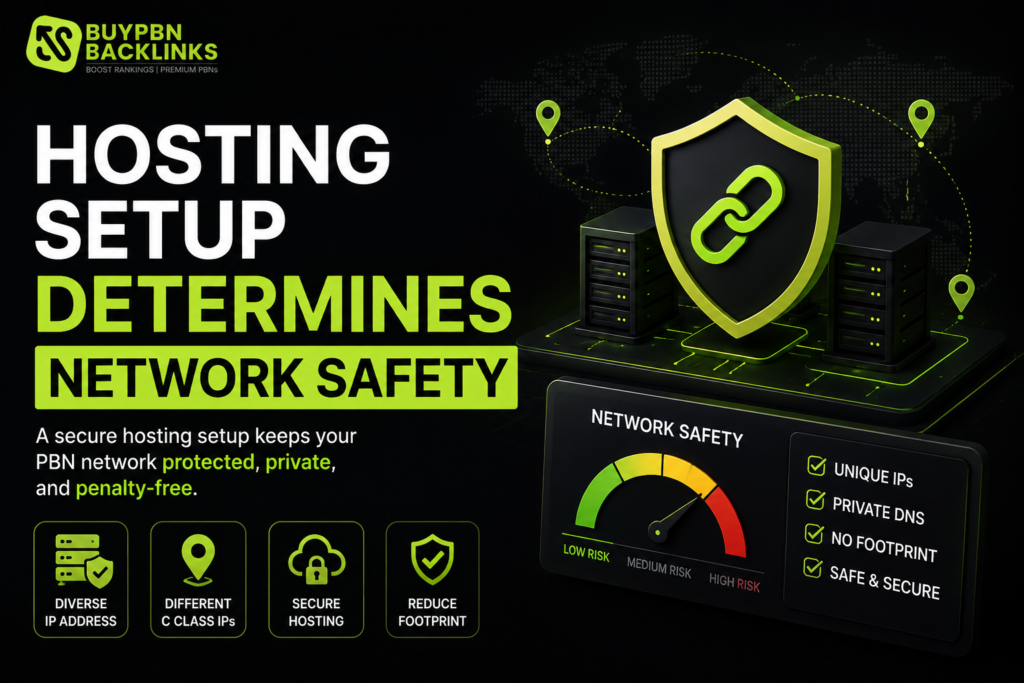
A network identified at the infrastructure level exposes every site and every money site it links to simultaneously without requiring any content or link pattern analysis. The three most discoverable infrastructure footprints in order of risk:
1. Shared IP range. Ten sites hosted on IPs all starting with 185.62.147.X are immediately identifiable through a single reverse IP lookup on any one site.
2. Shared hosting account. Multiple sites under the same cPanel account share server identity even if individual IPs differ — response headers, certificate patterns, and server fingerprints create detectable clusters.
3. Shared registrar account. All domains at the same registrar account are discoverable through WHOIS history analysis — creation dates, registrar IDs, and privacy service patterns create identifiable clusters even with privacy protection enabled.
All three are eliminated by the framework below. For the full network building context see our how to build a PBN guide.
The Five Non-Negotiable Hosting Rules
Rule 1 — Unique IP in a Different /24 Block per Site
Every site needs its own IP address where the first three octets differ from every other network site. Achieve this by using providers in different geographic locations and data centres — DigitalOcean NYC1, Vultr London, Hostinger Lithuania, SiteGround Singapore all naturally produce completely different /24 blocks through different data centre allocations.
Rule 2 — Different Hosting Provider per Site
Even with IP diversity, shared provider infrastructure creates response header patterns and certificate fingerprints that cluster sites technically. Use a different hosting provider per site where practical. For networks of 15 or more sites, group no more than two to three sites per provider — ensuring those are in completely different niches with no cross-linking.
Rule 3 — Different Domain Registrar per Domain
Spread registrations across at least four to five different registrars: Namecheap, Porkbun, GoDaddy (partial), Cloudflare Registrar, and Name.com. After winning domains at auction, transfer to target registrars once the 60-day transfer lock expires. Keeping all domains permanently at GoDaddy is the most common footprint mistake among practitioners who know better.
Rule 4 — Different Nameservers per Site
Mix nameserver configurations across the network: 30 to 40 percent on hosting provider default NS, 25 to 35 percent on Cloudflare (which assigns unique pairs per domain — verify each pair is genuinely unique in your network), 20 to 30 percent on custom nameservers via VPS, and 10 to 15 percent on secondary DNS providers. Identical NS pairs across multiple domains are immediately identifiable.
Rule 5 — Separate Registrar Account per Domain or Small Group
Each domain under its own account at its respective registrar is ideal. Minimum: no more than three to four domains per registrar account, with those domains in different niches on different hosting providers.
Recommended Hosting Providers
| Provider | Type | Monthly Cost | Best For |
|---|---|---|---|
| Hostinger | Budget cPanel | £2–£5 | Cost-effective entry networks |
| Namecheap Hosting | Budget cPanel | £2–£6 | Easy management, UK accessible |
| DreamHost | Budget cPanel | £2–£5 | US-based IP diversity |
| Fasthosts (UK) | Budget cPanel | £3–£7 | UK-specific IP range |
| DigitalOcean | VPS Cloud | £4–£8 | Dedicated IP, multiple regions |
| Vultr | VPS Cloud | £3–£6 | Most global data centre options |
| Hetzner | VPS Cloud | £3–£6 | European IP diversity, cost-effective |
| OVH | VPS Cloud | £3–£7 | French/European IP range |
Do not use managed WordPress hosts (WP Engine, Kinsta, Flywheel) for PBN use — they create identifiable server fingerprints across sites regardless of individual IP assignments.
WordPress Theme Setup: The Most Visible Footprint
Theme selection is the most immediately visible footprint in a manual review. An analyst comparing 20 domains all running the same WordPress theme identifies a network in minutes. Apply these rules without exception:
- Every network site uses a different theme from a different theme developer
- Source from multiple locations: WordPress.org free themes, ThemeForest premium, individual developer sites
- Avoid framework themes (Divi, Elementor Hello, GeneratePress) that create recognisable structural templates even with different visual designs
- Customise every theme with a different colour scheme, header image, and widget configuration
- Use different Google Font imports — identical font stacks are readable in page source
Plugin Diversity
Every plugin is visible in page source. Install only what is necessary and vary the specific plugins across network sites.
| Function | Option A | Option B | Option C |
|---|---|---|---|
| SEO | Yoast SEO | RankMath | The SEO Framework |
| Caching | WP Super Cache | W3 Total Cache | LiteSpeed Cache |
| Contact form | Contact Form 7 | WPForms Lite | None |
Do not install identical plugin combinations across all sites — identical plugin fingerprints are detectable in bulk domain analysis.
WordPress Installation Checklist
- Site title: plausible editorial name relevant to the domain niche
- Tagline: descriptive phrase relevant to the topic — not “Just another WordPress site”
- Admin username: a plausible human name, not “admin”
- Admin email: a unique email not used on any other network site
- Permalink: /%postname%/
- Required pages: About, Contact, Privacy Policy — all with unique text
- Author: plausible pseudonymous name unique to this site, with a niche-relevant bio
The Complete Footprint Checklist
| Check | What to Verify |
|---|---|
| IP /24 unique | No other network site in the same /24 block |
| Hosting account unique | No other network site on the same cPanel or VPS account |
| Registrar unique | Different registrar from previous 3–4 network domains |
| Nameservers unique | No identical NS pair used on any other current network site |
| Theme unique | Different theme from different developer to every other site |
| Admin email unique | Different email from every other site admin |
| Author name unique | Different author name from every other site |
| Plugin mix varied | Not identical plugin combination to any other network site |
| Privacy policy unique | Not identical text to any other site |
| No cross-links | This site does not link to any other network site |
| Initial content published | 8–10 articles live before any money site link placed |
Network Hosting Cost Planning
| Network Size | Hosting Approach | Monthly Cost | Annual Cost |
|---|---|---|---|
| 5 sites | 5× budget cPanel at different providers | £15–£30 | £180–£360 |
| 10 sites | 6× budget cPanel + 4× VPS | £35–£65 | £420–£780 |
| 20 sites | 12× budget cPanel + 8× VPS | £70–£130 | £840–£1,560 |
| 40 sites | Mixed cPanel and VPS across 15+ providers | £140–£260 | £1,680–£3,120 |
Infrastructure Tracking Spreadsheet
Maintain one row per network site with columns for: domain, hosting provider, server IP, /24 block, registrar, nameservers, WordPress theme, author name, admin email, and date last checked. Without this record, footprint drift accumulates gradually until a review reveals infrastructure problems that should never have developed. Review the spreadsheet quarterly and run reverse IP checks on a 20 percent random sample of network sites to confirm no hosting drift toward shared blocks.
FAQ
What hosting should I use for a PBN?
A combination of budget cPanel hosting at different providers and cloud VPS instances across different data centres. Each site needs a unique IP in a different /24 block. Never host multiple PBN sites on the same cPanel account or the same IP range.
What is IP diversity and why does it matter?
Each network site hosted on a different IP address in a different /24 block. Without it, all sites on the same IP range are identifiable as a coordinated network through basic reverse IP lookup — exposing the full network and every linked money site simultaneously.
Can I use Cloudflare for PBN hosting?
Cloudflare can be used on some sites as a CDN and DNS layer but should not be used identically across all sites. Mix Cloudflare nameservers on some sites with hosting provider nameservers and custom nameservers on others.
How many PBN sites can I host on one account?
One per account is ideal. At minimum, no more than two to three per cPanel account — in different topical niches with no cross-linking.
What WordPress theme should I use for PBN sites?
A different theme from a different developer for every site. Source from WordPress.org, ThemeForest, and individual developer sites. Avoid framework themes. Customise each with different colours, fonts, and header configurations.
Should I use shared hosting or VPS?
Both work. Budget shared at different providers is most cost-effective for entry networks. VPS gives dedicated IPs and full control for quality networks. Combining both creates natural hosting diversity that resembles independently operated websites.
Conclusion
PBN hosting setup is the unglamorous foundation that determines whether a network holds up under scrutiny or collapses at the first technical audit. The five rules — unique IP per site in a different /24 block, different hosting provider, different registrar, different nameservers, different WordPress theme — eliminate the infrastructure footprints that expose networks built without proper technical planning. Build the infrastructure tracking spreadsheet from day one, run the footprint checklist on every new site before placing any money site links, and the hosting foundation will support a network that operates safely for years.
For quality PBN links from networks where hosting isolation and footprint management are already handled — explore the available options. For the complete build process see our step-by-step PBN build guide and our PBN network infrastructure guide.
About the Author
Louis Dobbler is a PBN link building strategist and off-page SEO specialist at BuyPBNBacklinks, with deep expertise in private blog network construction, domain acquisition, and authority link campaigns across iGaming, finance, and SaaS verticals.

Louis Dobbler is a PBN link building strategist and off page SEO specialist with deep expertise in private blog network construction, domain acquisition, and authority link campaigns. With years of experience working across competitive verticals including iGaming, crypto, finance, and CBD, Louis has helped hundreds of SEO agencies and affiliate marketers engineer rankings that hold through every Google core update.
At BuyPBNBacklinks, Louis oversees network quality, domain vetting, and campaign strategy ensuring every PBN backlink placed meets the highest standards for authority, footprint safety, and long term SEO performance.